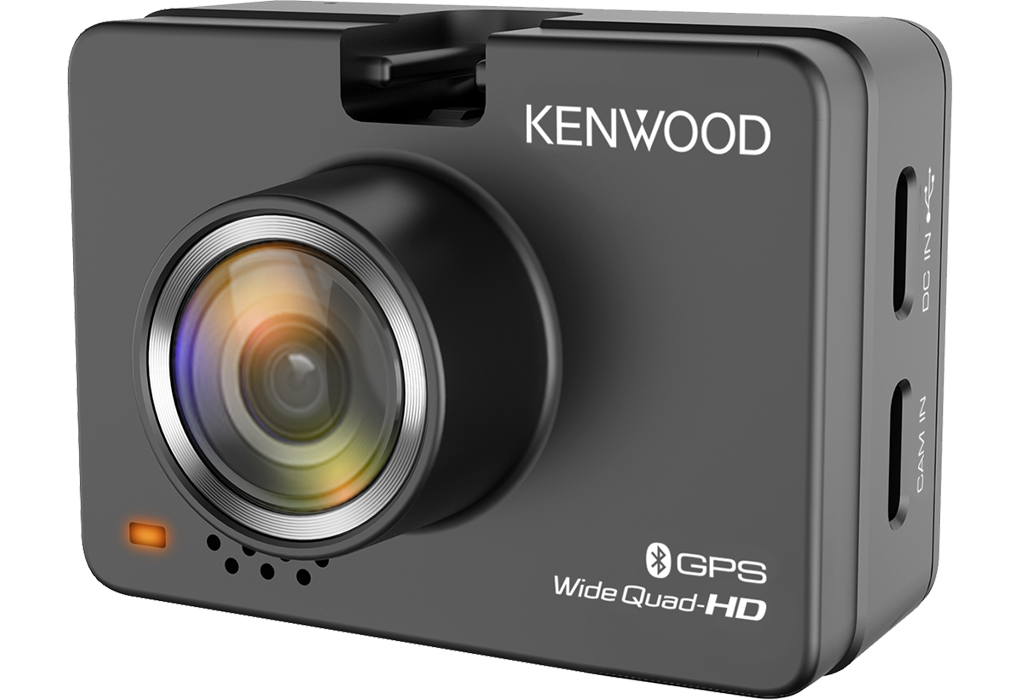
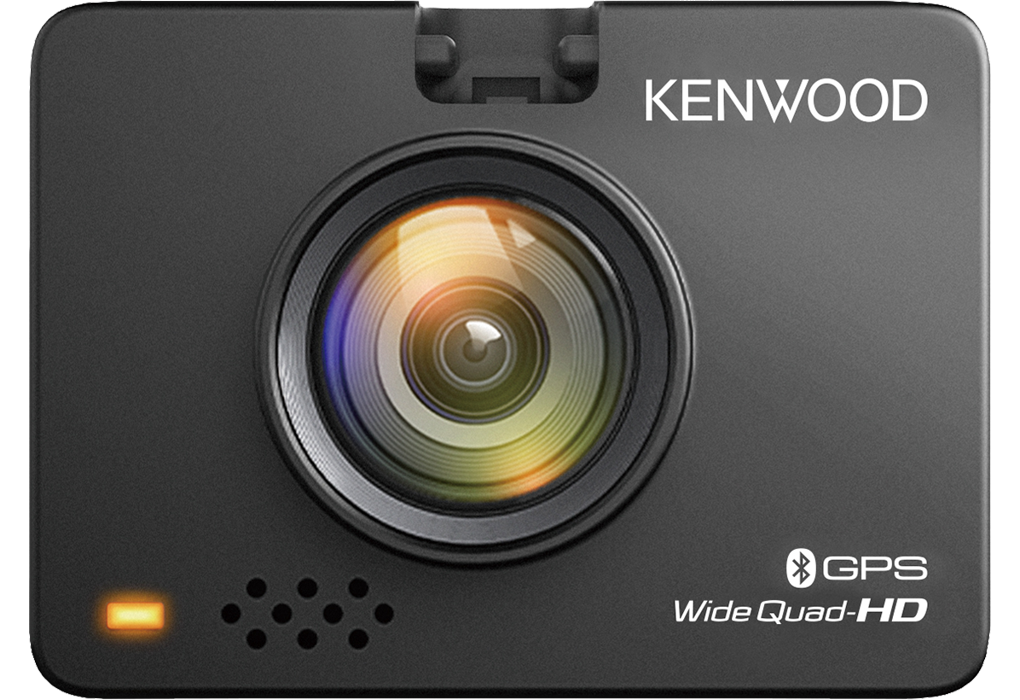
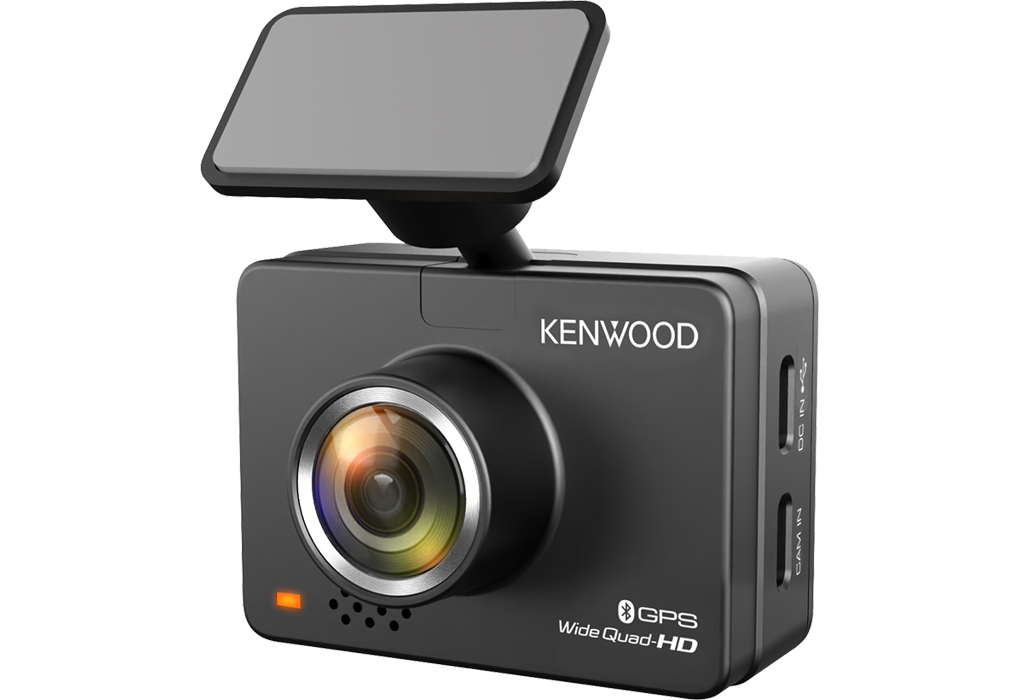
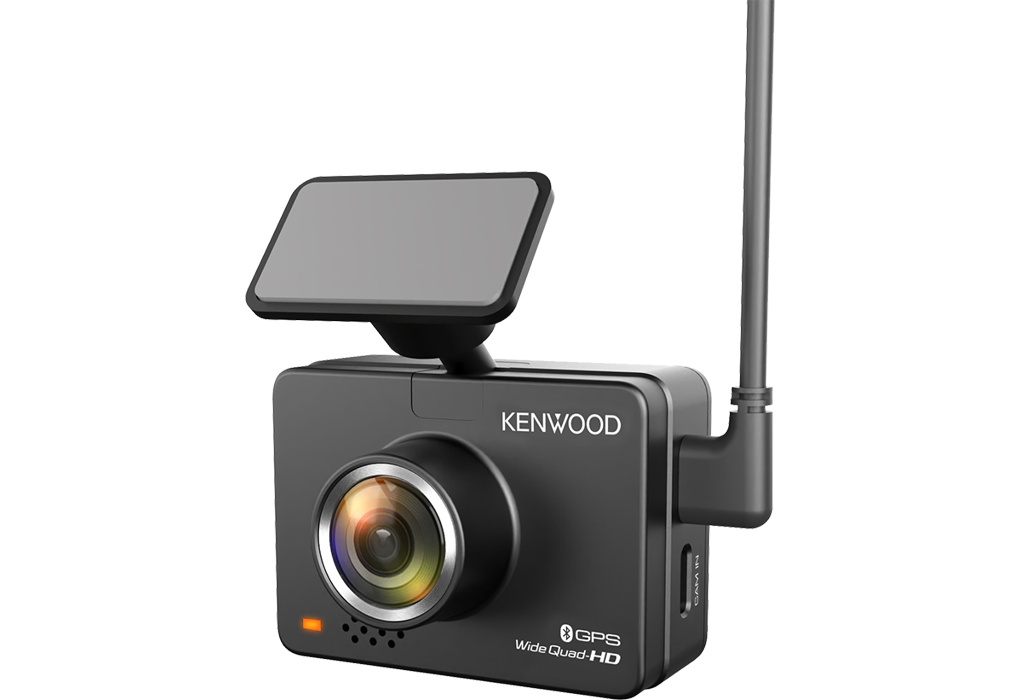
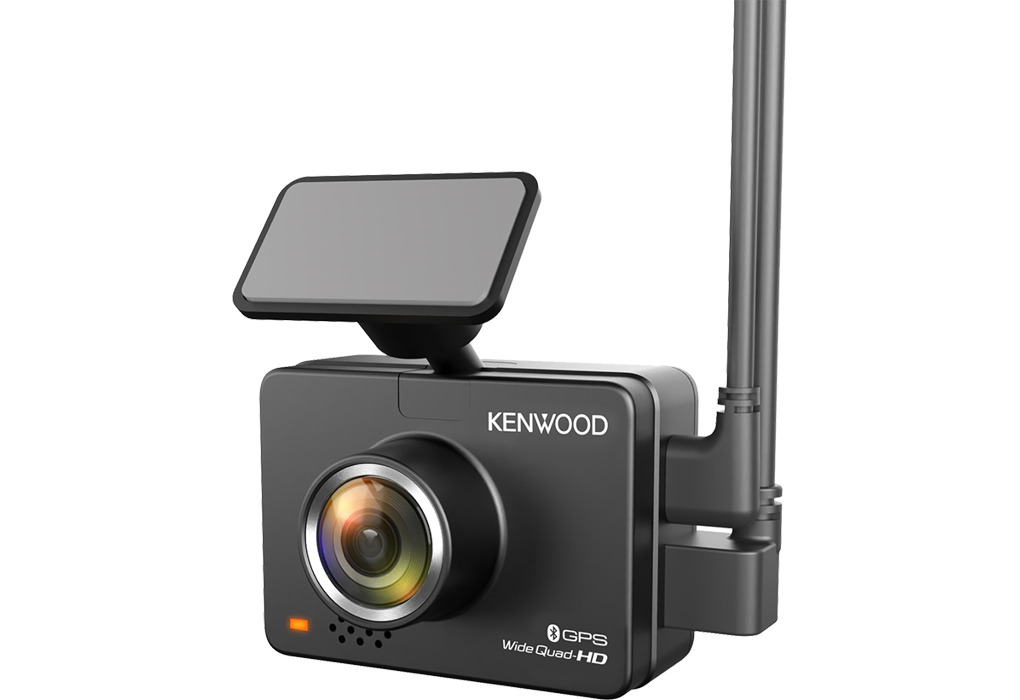
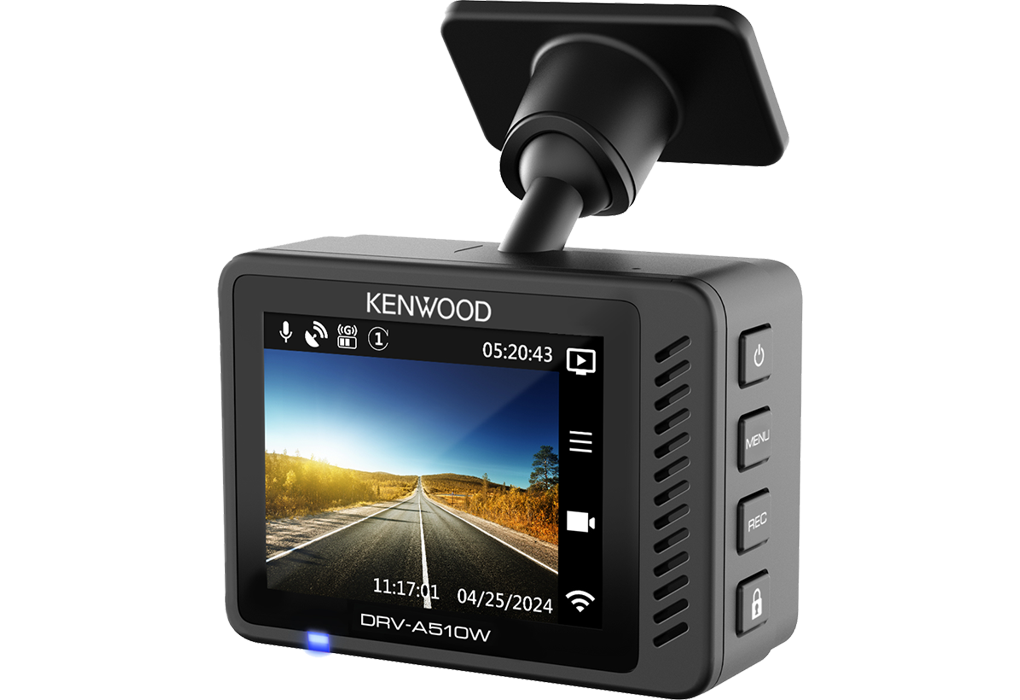
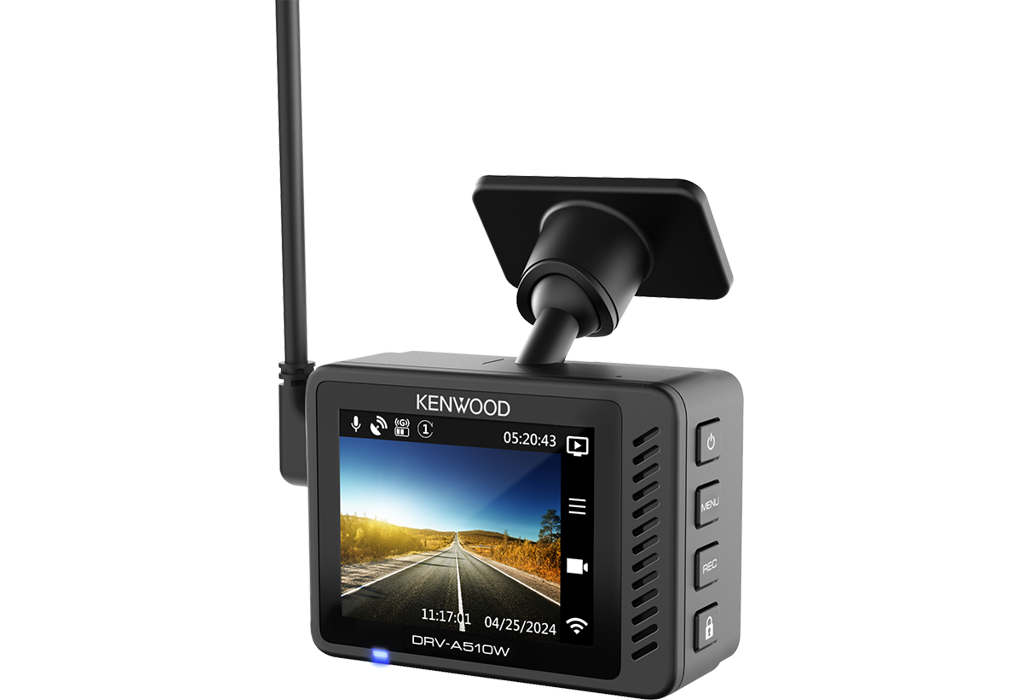
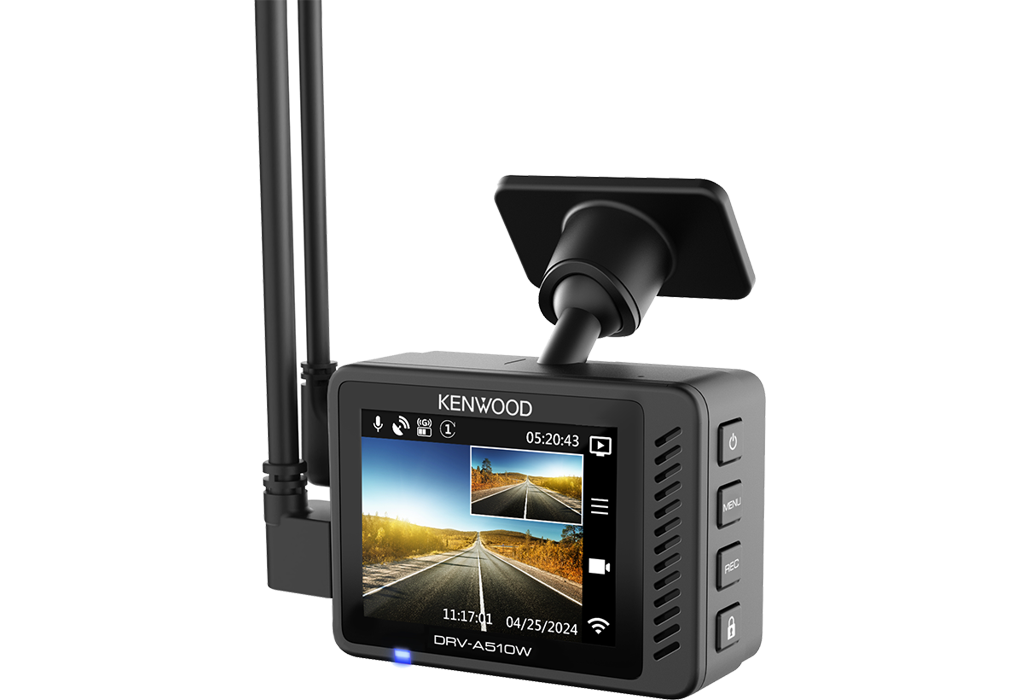
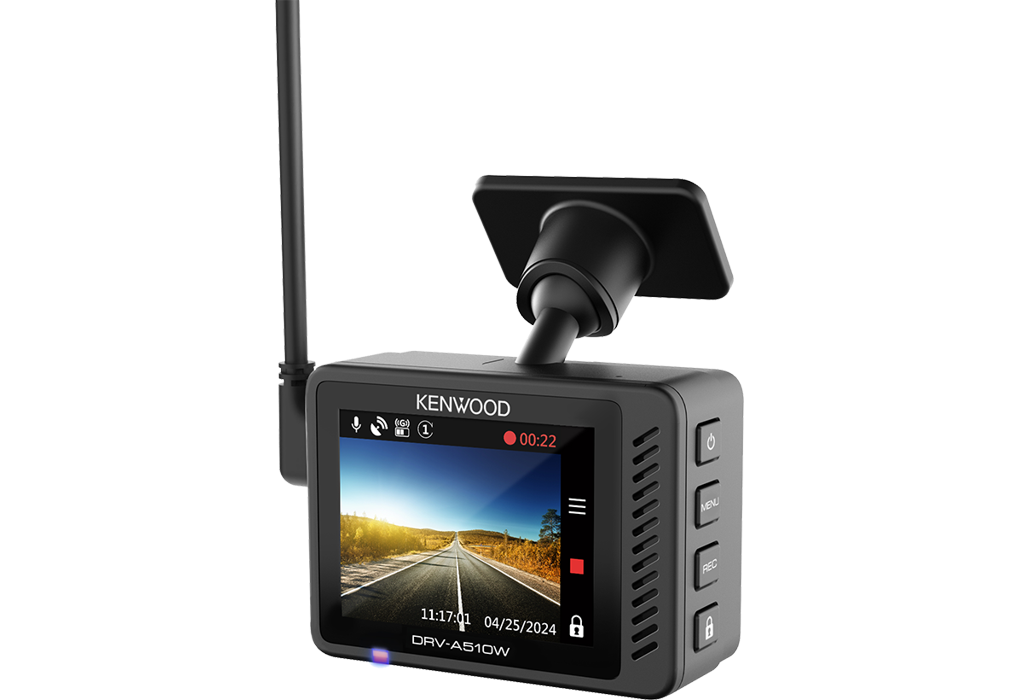
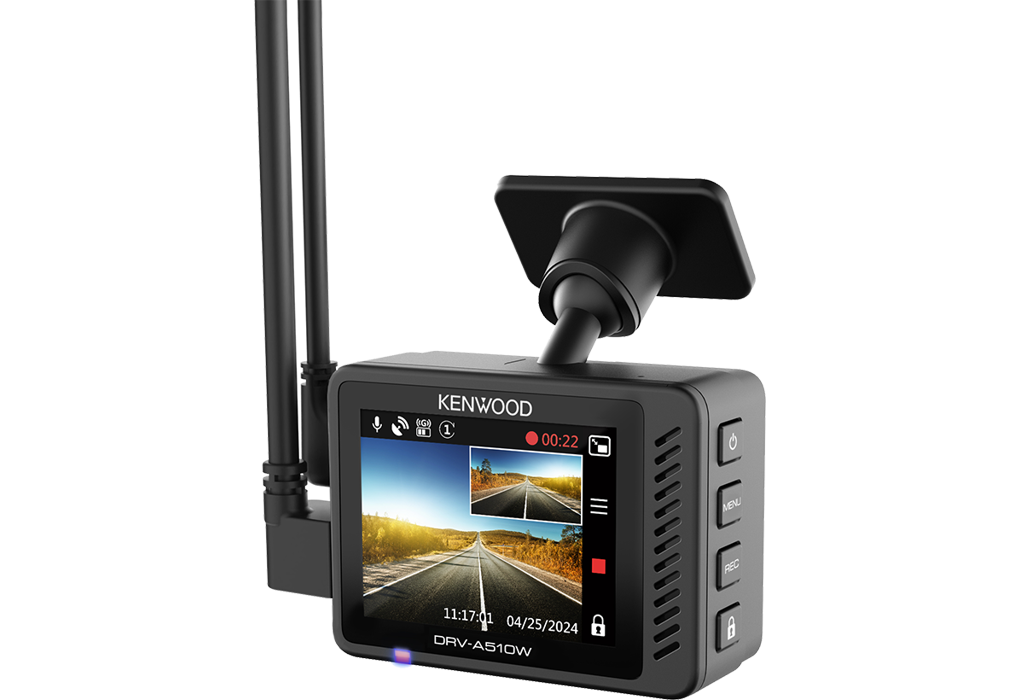
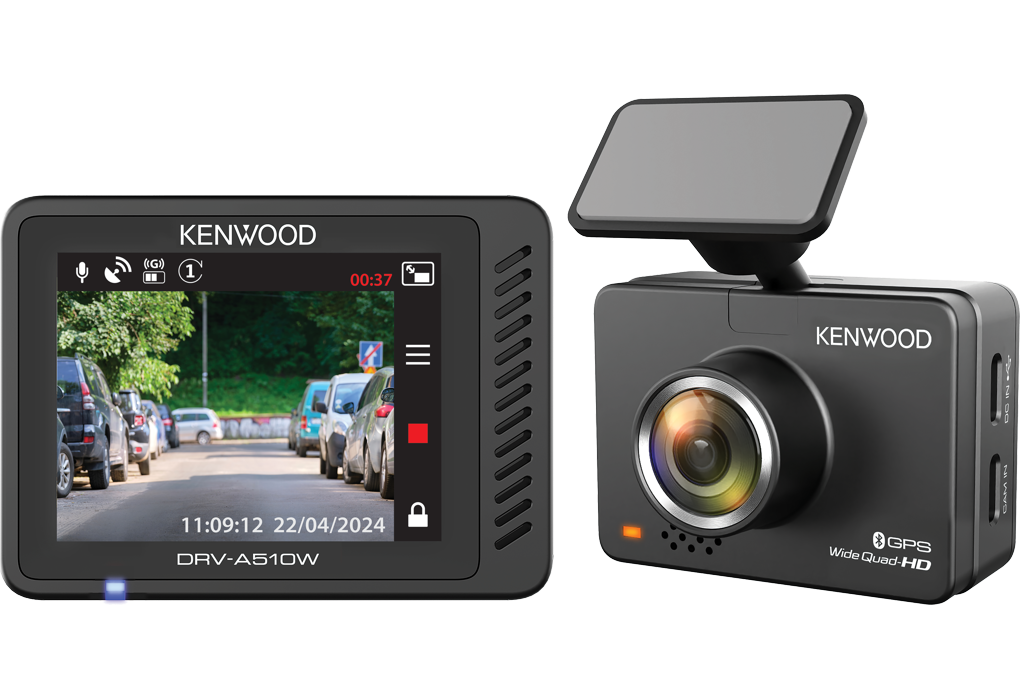
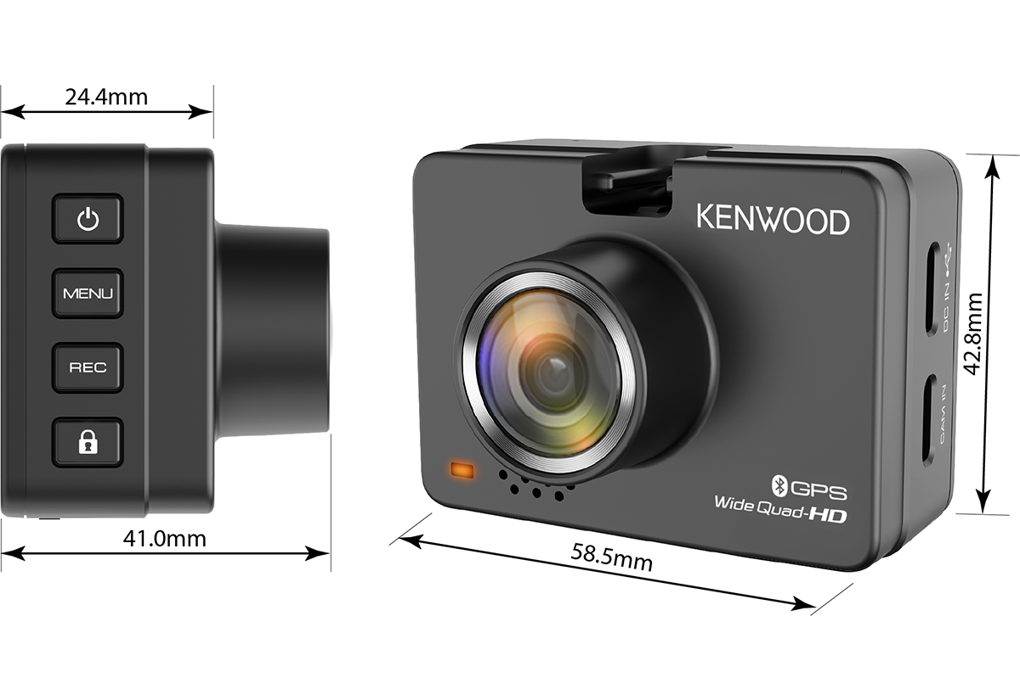
Câmara para automóvel com ecrã LCD de 2,0", gravação em 2K HD e ligação sem fios.

DRV-A510W

Câmara para automóvel com ecrã LCD de 2,0", gravação em 2K HD e ligação sem fios.

A câmara de isqueiro DRV-A510W possui gravação em 2K Quad HD e capta vídeos nítidos mesmo durante a condução. Aceda aos dados da sua câmara sem fios para veículos com a aplicação KENWOOD DASH CAM MANAGER para smartphones (iOS e Android) e partilhe vídeos gravados diretamente nas redes sociais. Ligue a câmara traseira opcional KCA-R110 para ativar a gravação em dois canais (câmara frontal em 2K e câmara traseira em Full HD em simultâneo). Ligue a câmara opcional CA-DR1130 para ativar o modo de estacionamento inteligente (deteção de vibração ou movimento ou gravação em time-lapse).
    Ecrã LCD
    Preparado para câmara traseira / 2 canais de gravação
    Sensor G Incorporado
    Recetor GPS incorporado
    Modo de estacionamento
    Conetividade Wireless & App
    Disponível software para PC
    App gratuita disponível para smartphone (IOS & Android)
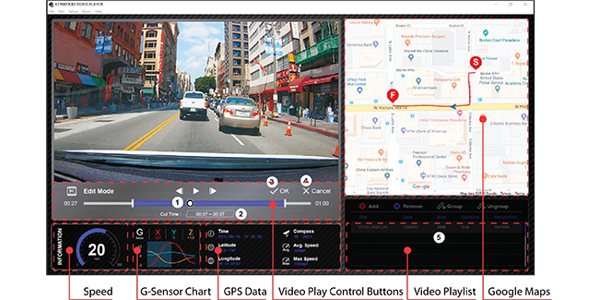
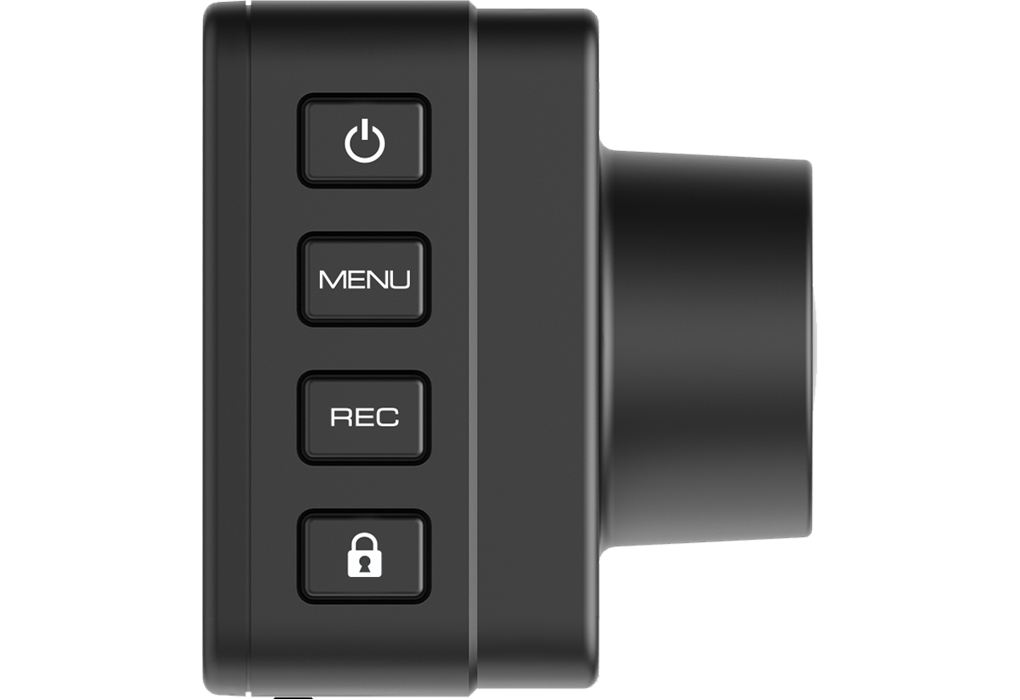
    • Reveja e edite vídeos gravados utilizando o software para computador KENWOOD VIDEO PLAYER.
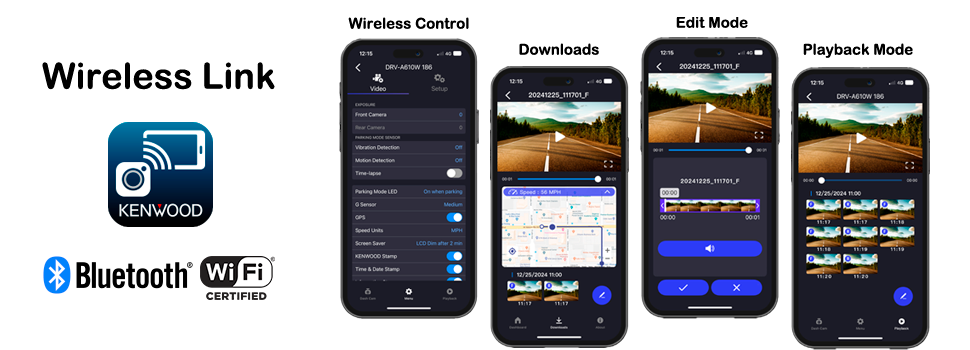
    • Aceda aos dados da sua Dash Cam sem fios utilizando a aplicação para smartphone KENWOOD DASH CAM MANAGER.
    • Equipado com um sensor G concebido para detetar forças externas e um recetor GPS que regista a velocidade, a latitude e a longitude.
    • Modo de vigilância de estacionamento inteligente (vibração, deteção de movimento ou modo de lapso de tempo) com kit de instalação com fios opcional CA-DR1130.
    • Entrada para câmara traseira para gravar imagens frontais e traseiras em simultâneo (KCA-R110 vendido em separado).
    • Capta vídeo H. 265/MP4 de 2560x1440px a 30fps, áudio AAC e imagem em formato JPEG (2560x1440px).
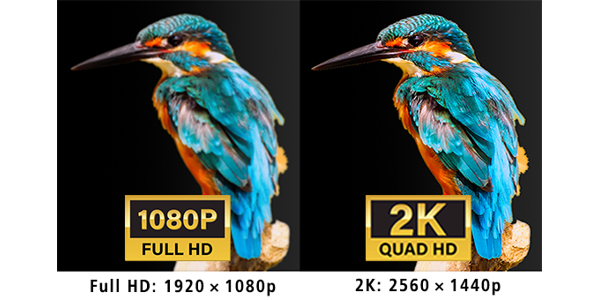
    • Gravação em 2K Wide Quad High Definition, possibilitando a gravação e reprodução em altíssima resolução.
    • Apresenta a lente F1.8, que oferece um brilho líder no setor e um ângulo de visão ultra-amplo diagonal de 136°.
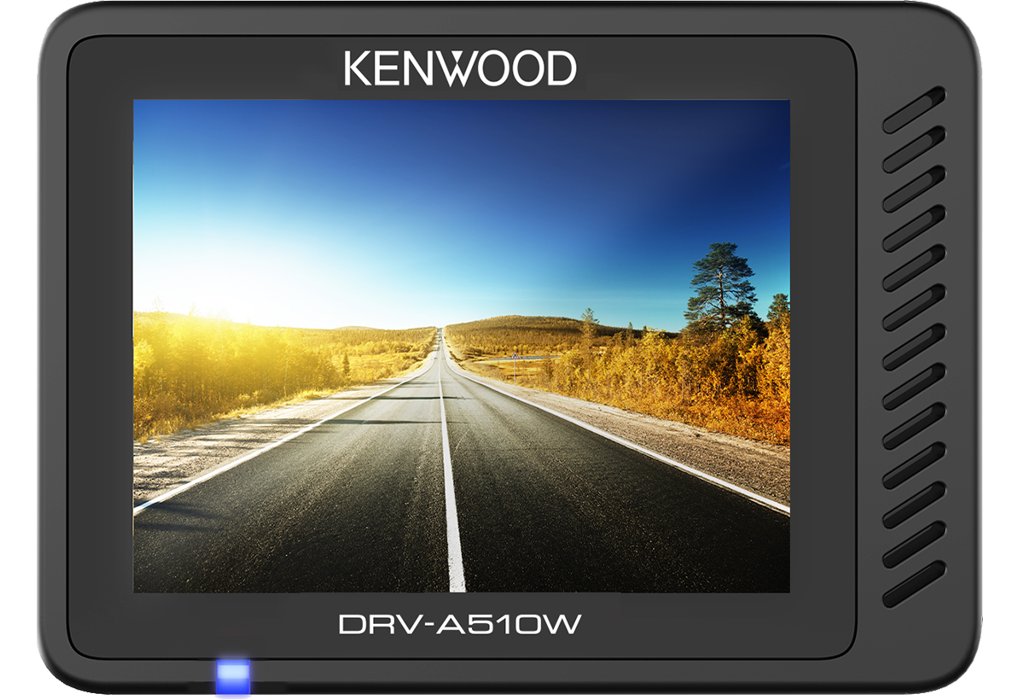
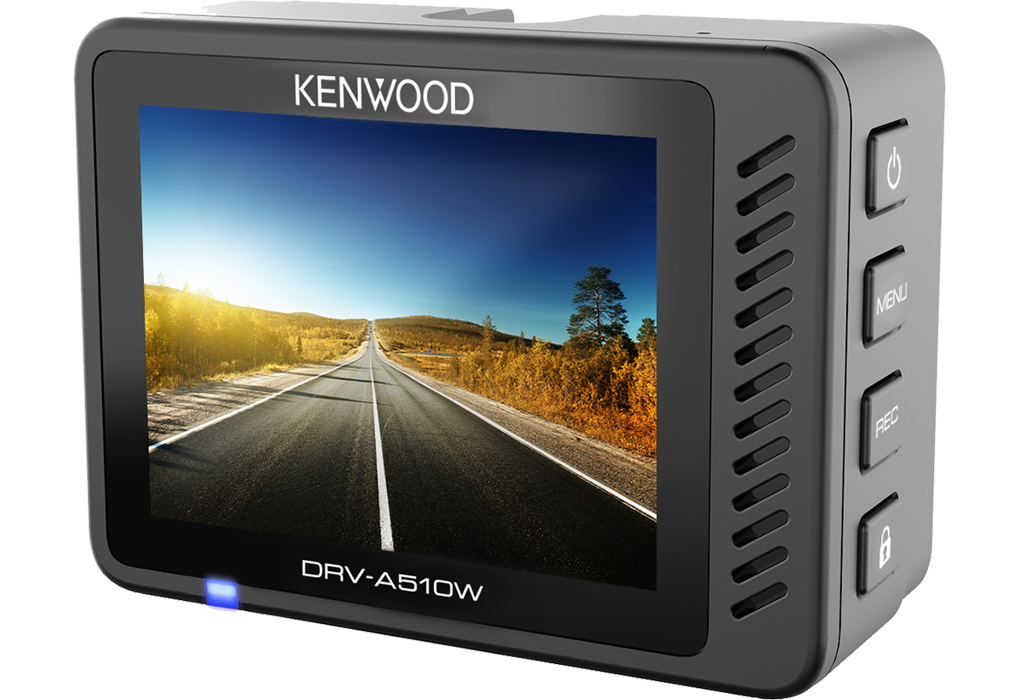
    • O ecrã TFT a cores de 2,0" oferece fácil acesso para verificar vídeos gravados e alterar definições.
    • O HDR (High Dynamic Range) permite gravar imagens nítidas com facilidade em ambientes escuros ou bem iluminados, sem subexpor ou sobre-expor a imagem.
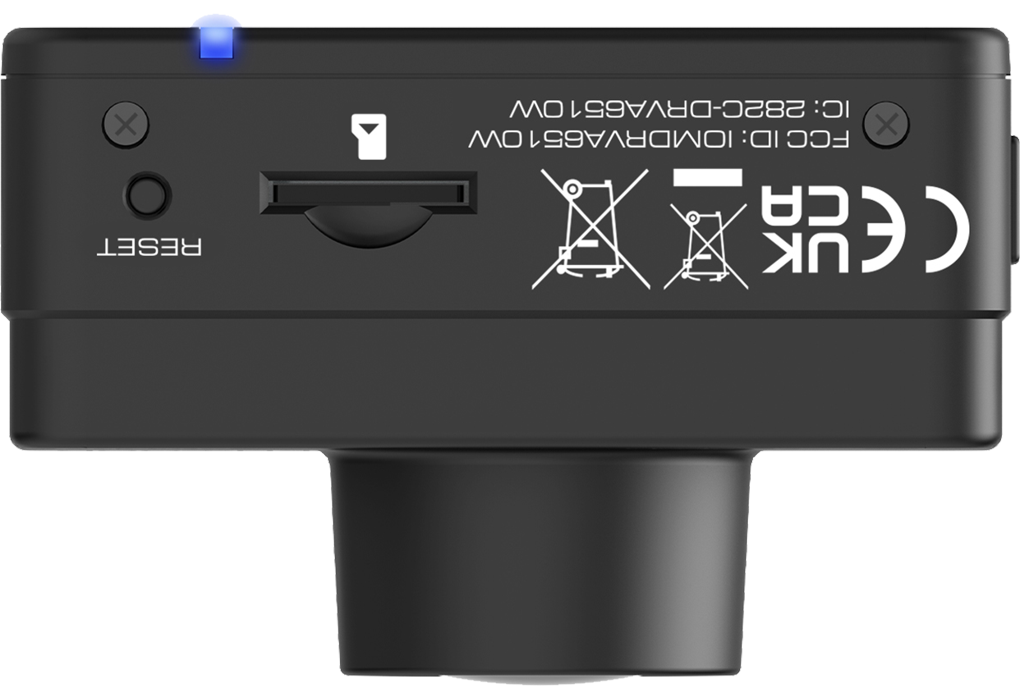
    • Micro SDHC/SDXC Card Slot (8 ~ 256GB, UHS Speed Class 3(U3) recommended).
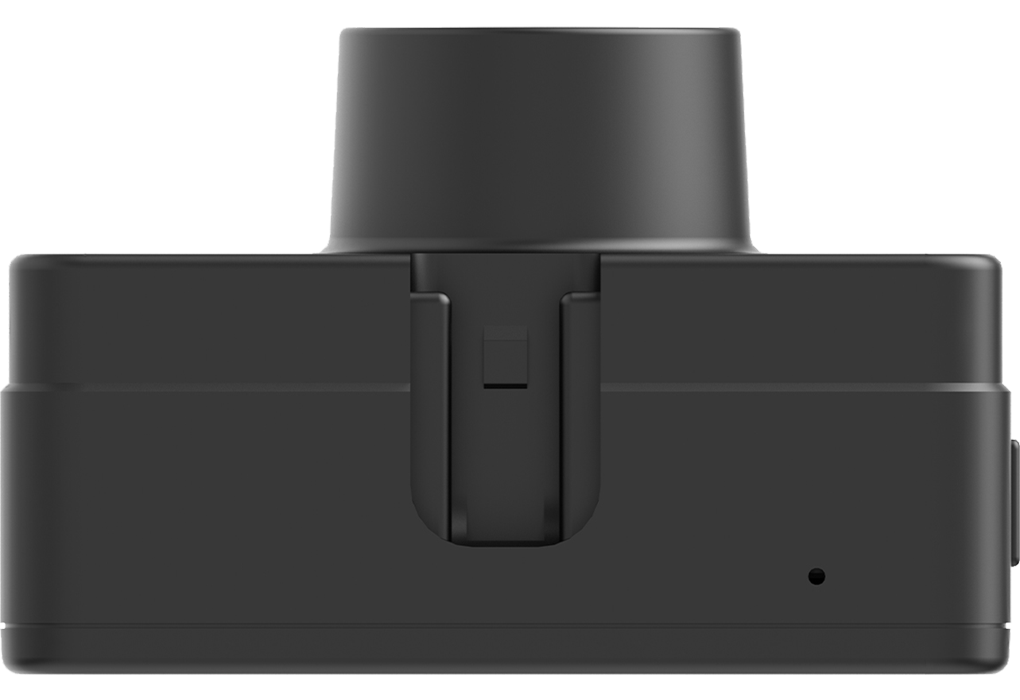
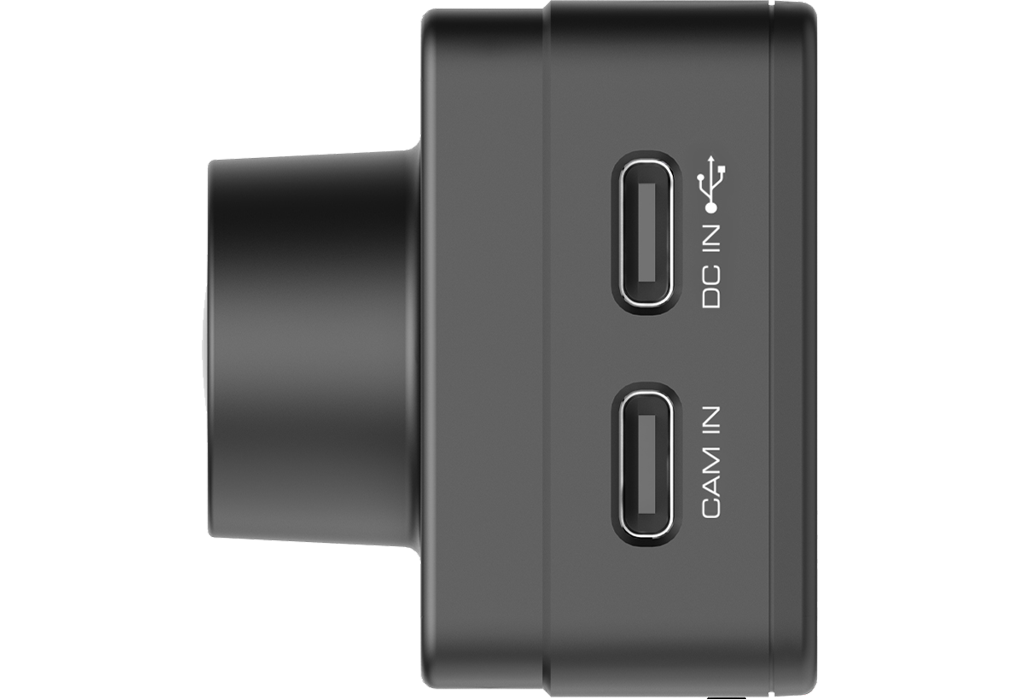
    • Acompanha suporte adesivo ajustável, carregador USB para automóvel, cabo de alimentação e presilhas para cabos.

      3-axis G-Sensor & GPS Receiver

      The G-senor measures forces of acceleration that act upon the vehicle. These includes forces due to sudden changes in direction, braking, or impact, such as during a collision. When the G-Sensor detects a significant force, it triggers the dash cam to save the current video file in dedicated folder and can't be overwritten when the storage is full. This critical footage is then preserved for future review or as potential evidence.
      The DashCam is also equipped with a GPS receiver so that speed, latitude and longitude are stored with your video's. The speed, coordinates and G-force data will be displayed at the bottom of each video.
       

      12V & 24V Compatible

      The dashboard camera work with both 12V and 24V by using the supplied USB Car Charger or when using the optional Hardwire kit CA-DR1130.

      MicroSDXC/SDHC card 32GB to 256GB supported.

      SD Card Recorded File Capacity:
          •32GB Micro SD = 190 mins of recording
          •64GB Micro SD = 380 mins of recording
          •128GB Micro SD = 760 mins of recording
          •256GB Micro SD = 1560 mins of recording
       * Based on default front recording settings.
       * Recommended Speed Class: Class10 / UHS Speed Class 1 (U1) / UHS Speed Class 3 (U3) or higher.

      2K Quad HD Recording

      With its 5.14 megapixel CMOS sensor, DRV-A510W captures 2K Wide Quad HD video at 30fps, 1.8 times as many pixels as Full HD, making super-high resolution recording and replay possible

      KENWOOD VIDEO PLAYER

      KENWOOD VIDEO PLAYER  desktop software is available for displaying video recorded with the device. You can also play back, edit and share the videos on your PC. Download and install the software according to the on-screen instructions.

      PC Requirements: OS: Microsoft Windows 10, 8.1, 7* / *Windows 7 Service Pack 1 & Microsoft Visual C++must be installed. / OS: Apple Mac OS X 10.11 (El Capitan) or later.

      Wireless Smartphone Link (Wireless LAN)

      2channel recording illustration


      The KENWOOD DASH CAM MANAGER app allows you to easily change the menu settings of your dash cam and browse through recorded videos as well as realtime live view from your smartphone in an intuitive way. By downloading the video / photo files into your smartphone, you can even review them while routing on Google Maps with the GPS information such as speed, G-sensor and distance, and edit the videos to share them on social media.

      Download the KENWOOD DASH CAM MANAGER app from App Store (iOS) or Google Play (Android) on your smartphone.

       
      Please check out the following 2 video tutorials:
       
      KENWOOD DASHCAM MANAGER app
      KENWOOD DASHCAM MANAGER First time setup YouTube video
      KENWOOD DASHCAM MANGER - Firmware update procedure YouTube Video
      KENWOOD DASHCAM MANAGER First time setup YouTube video
      KENWOOD DASHCAM MANGER - Firmware update procedure YouTube Video

      Smart Parking Mode

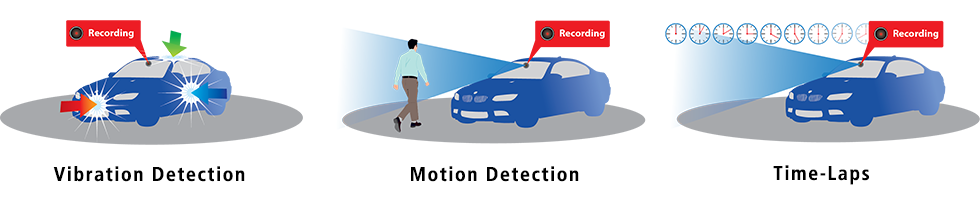
      This DashCam features parking mode or parking mode when the hard-wire kit CA-DR1130* (sold separately) is connected. When your vehicle is parked and switched off, Smart Parking Mode becomes active with one of three modes: vibration detection or motion detection or Time-lapse:
      Vibration Detection: The dashcam automatically creates 30-second videos when the camera detects a vibration and for as long as vibration is detected.
      Motion detection: the dashcam automatically shoots 30-second videos when it detects movement in the camera's field of view (dashboard or rear camera, if connected) for as long as movement is detected.
      Time-lapse: he dashcam makes uninterrupted time-lapse videos.

      The dashcam will keep doing this until the next time the car is started or until the minimum voltage threshold of the battery is reached or if the parking mode is active for more than 24 hours. The camera will store all these recordings in a separate folder on the memory card to keep them safe.
      * The hardwire kit CA-DR1130 (sold separately) is required to provide permanent power to the camera.

      3 Parking modes illustration

      Front & Rear 2 Camera Recording

      2channel recording illustration

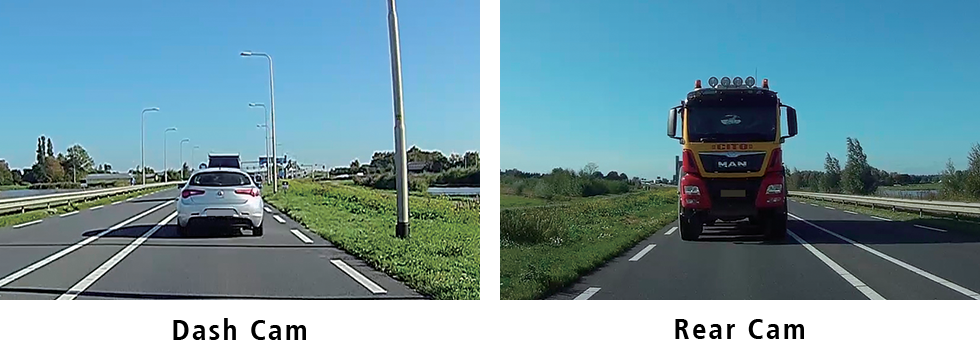
      By connecting the optional KCA-R110 rear camera to the DRV-A510W or DRV-A310W DashCam, it is possible to record front and rear directions simultaneously. The rear dash cam includes a 8.0 meter cable that connects to the front dash cam, allowing it to easily be mounted to the rear windshield. As this rear camera has IPX67 reatings it can also be installed at the outside of the vehicle where you would like to record.

      Front - rear view

      HDR & WDR for Backlighting

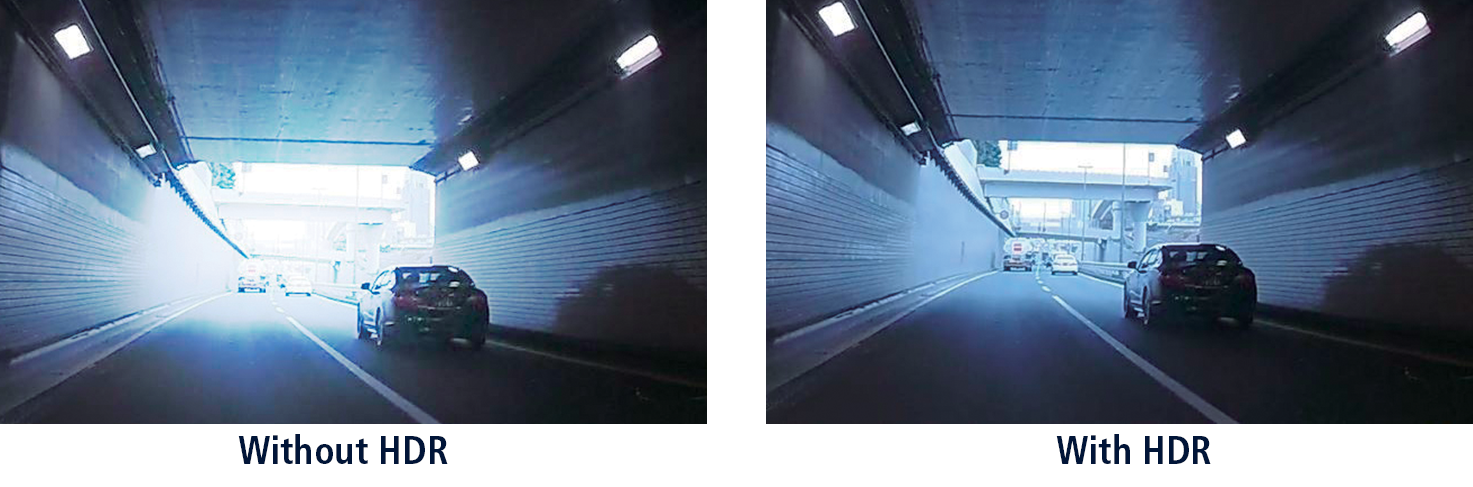
      HDR  (High Dynamic Range) & WDR (Wide Dynamic Range) for Backlighting, helps to reduce “blown out highlights” and “crushed blacks” and ensure clear images in challenging environments, including backlit scenes in daylight, streetlight scenes at night and places where light-dark contrast is particularly severe, such as at tunnel entrances/exits.

      2.0” Full Color LCD Display.

      Having an large 2.0” full color LCD display, that offers a crisp and sharp picture, makes it very convenient to set menu operations, monitor real-time recording, and playback the footage immediately. Thanks to the intuitive GUI including large and legible text, operations can be performed with ease.