






12V & 24V Compatible
The dashboard camera work with both 12V and 24V by using the supplied USB Car Charger or when using the optional Hardwire kit CA-DR1130.
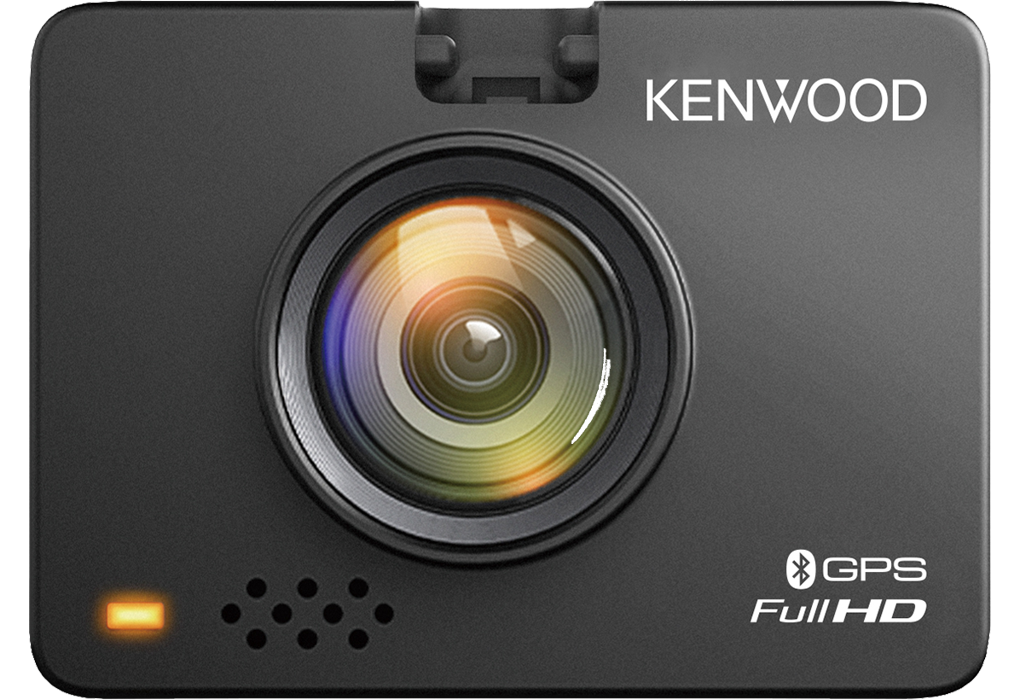
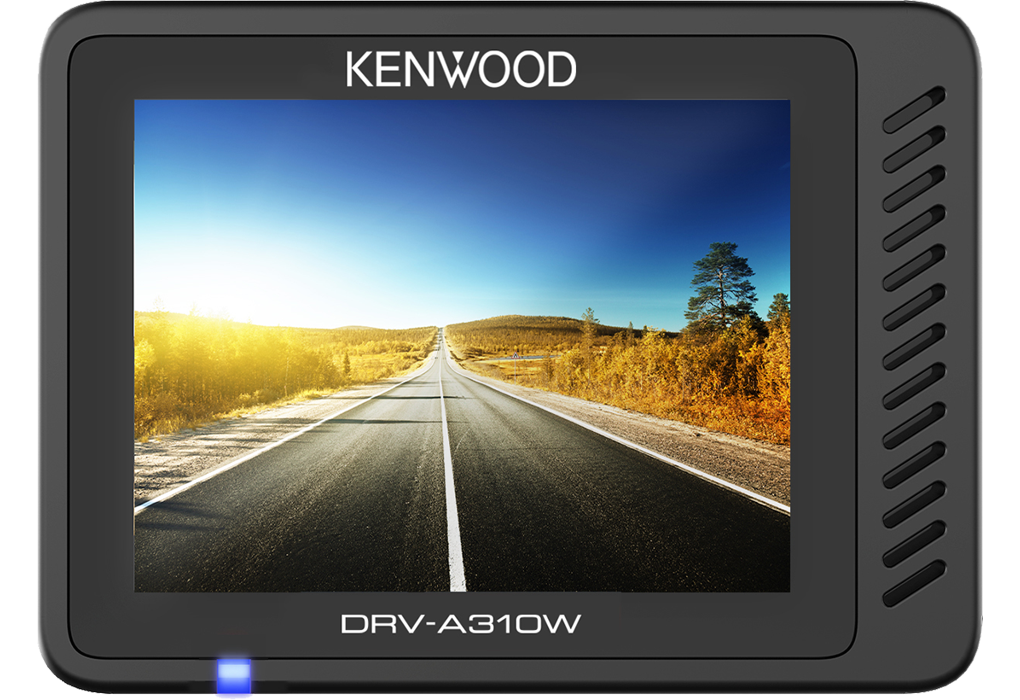
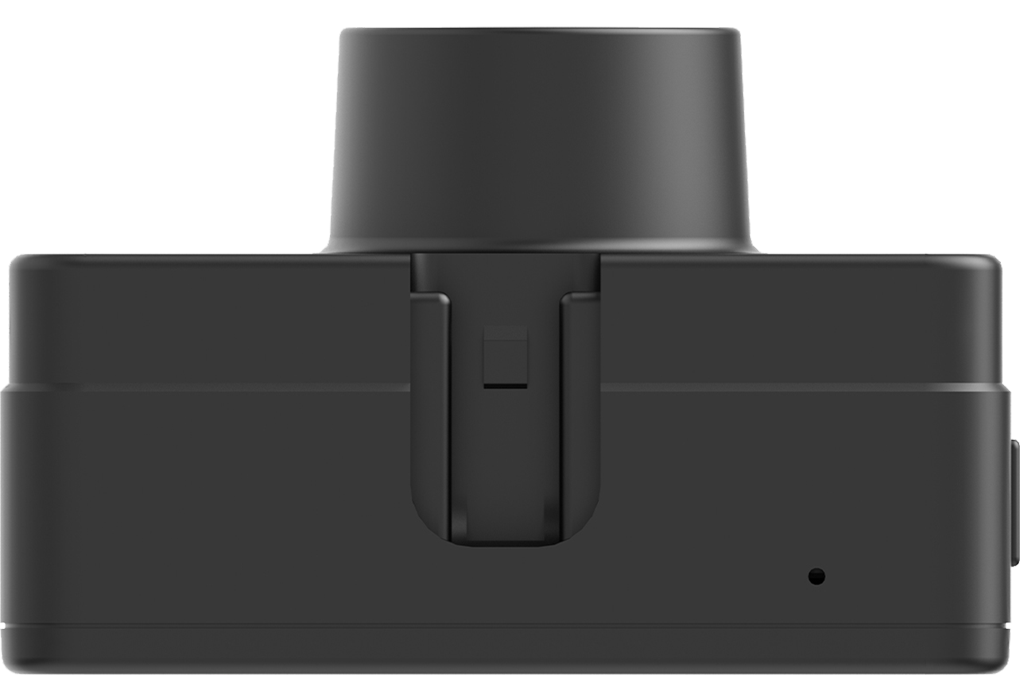
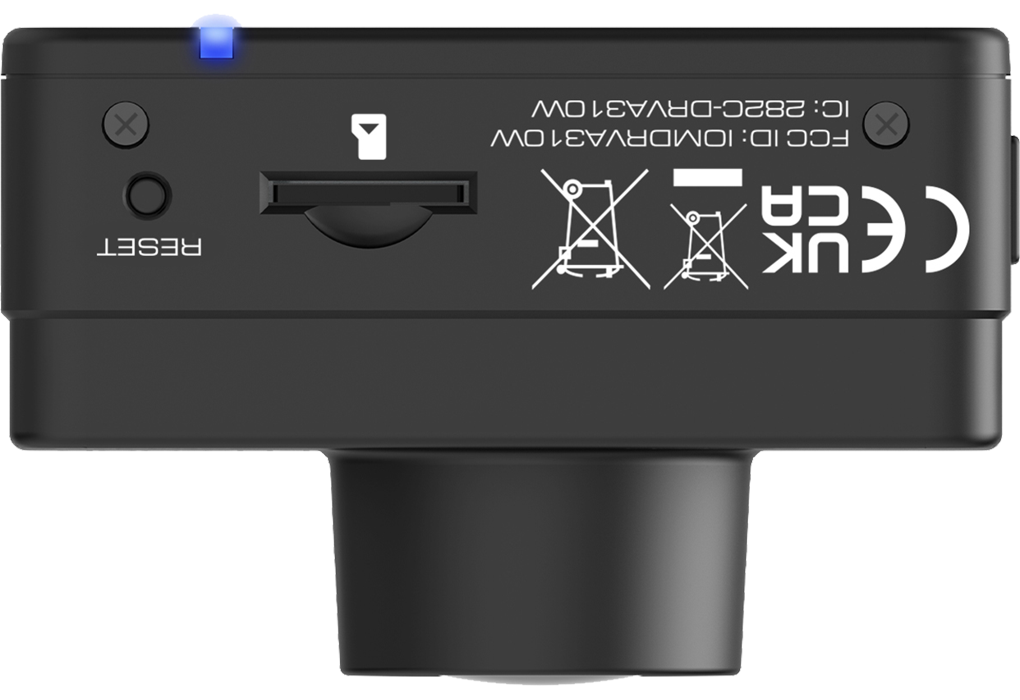
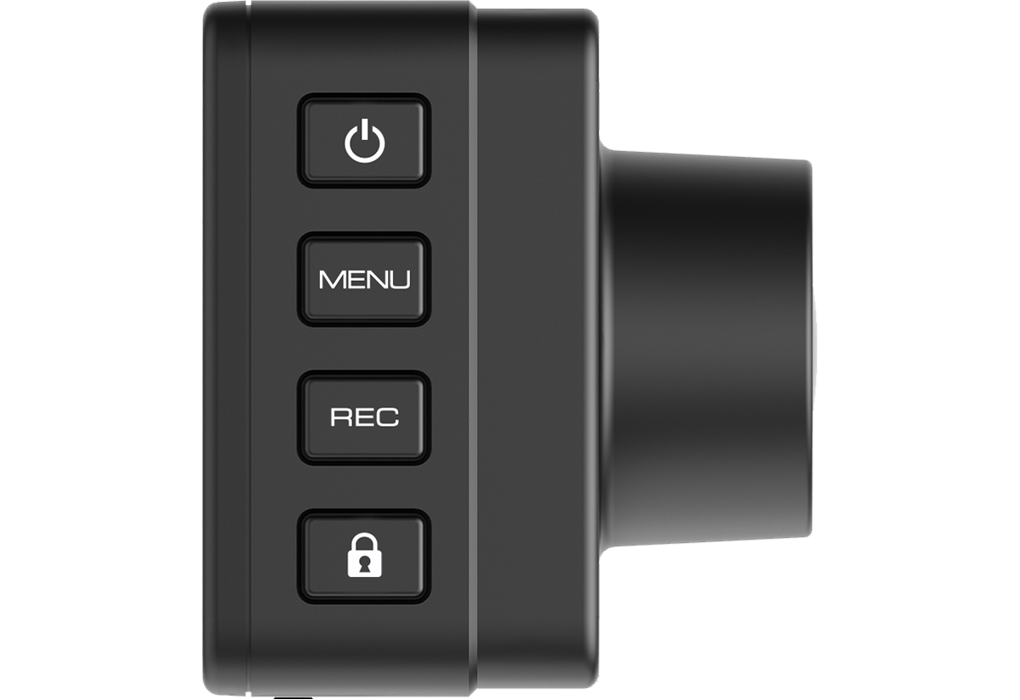
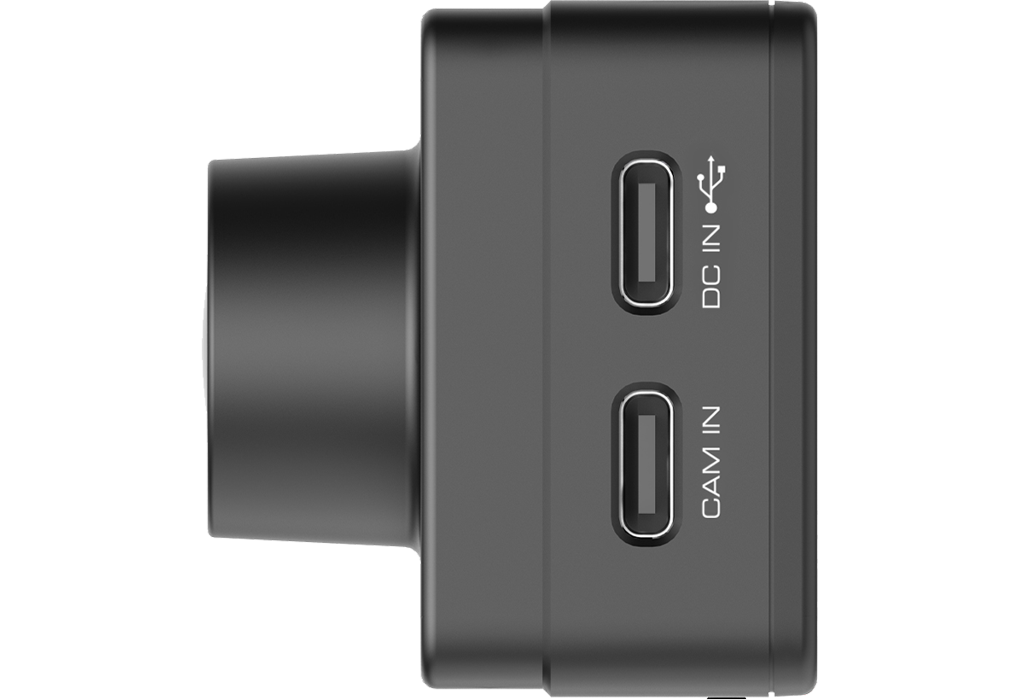
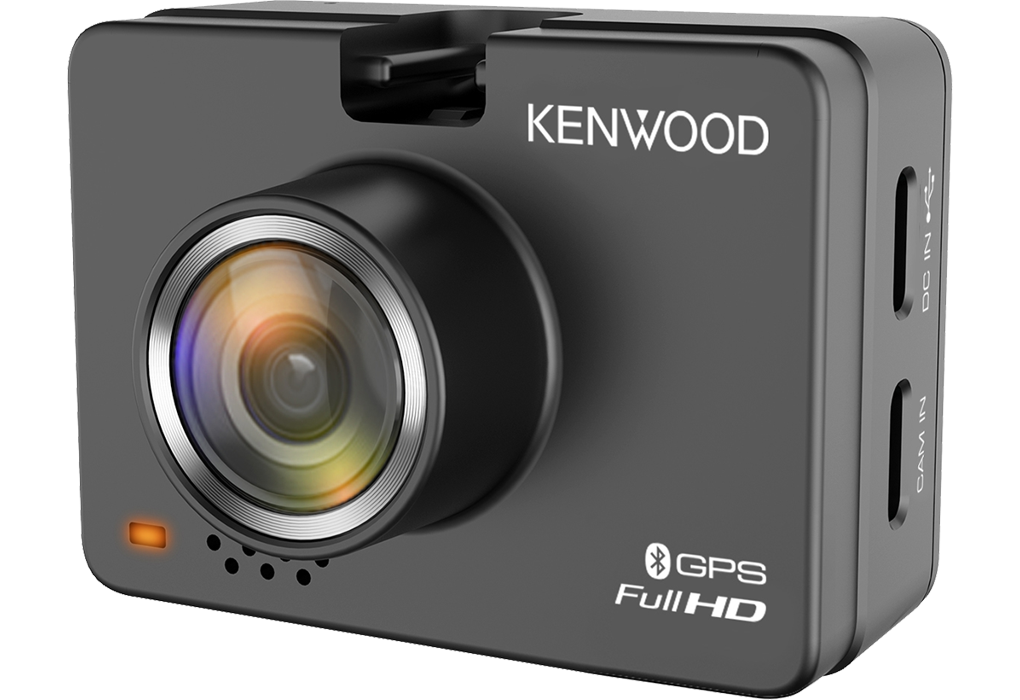
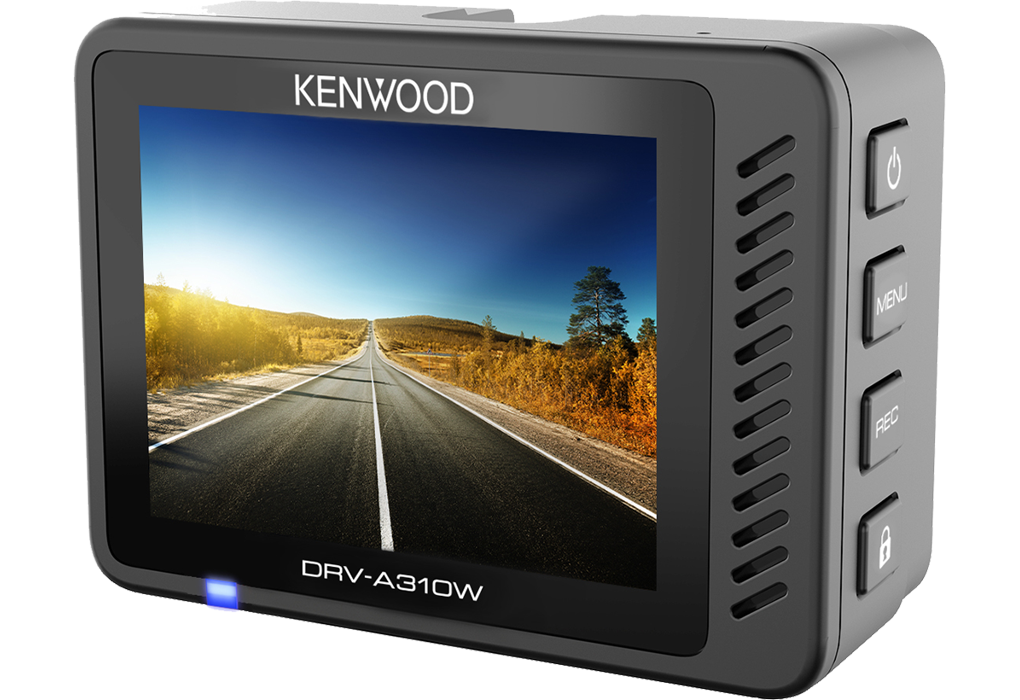
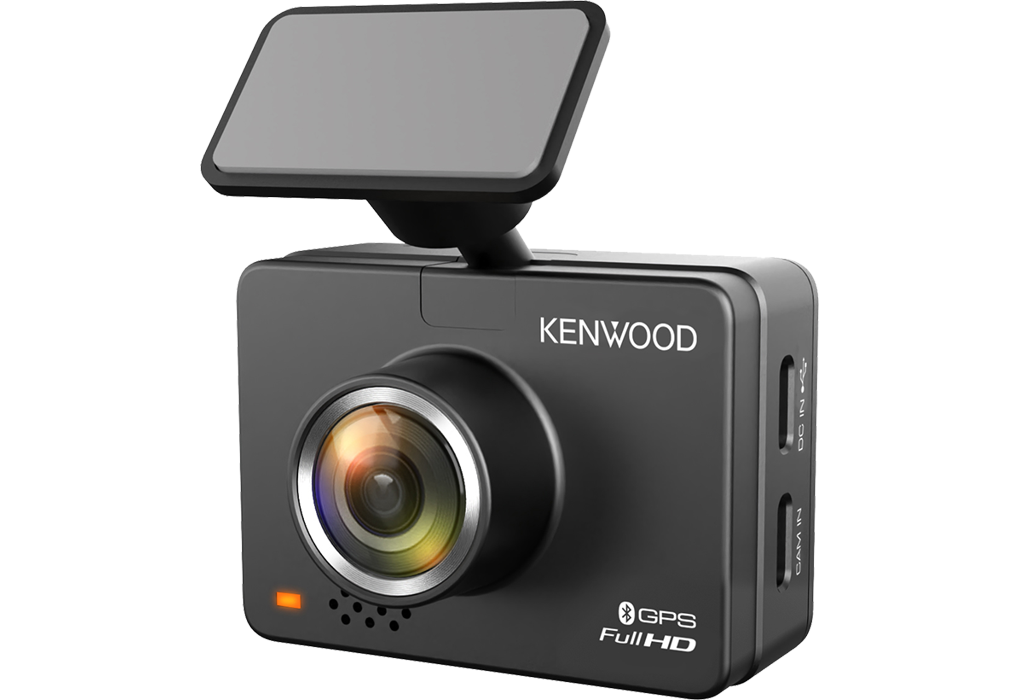
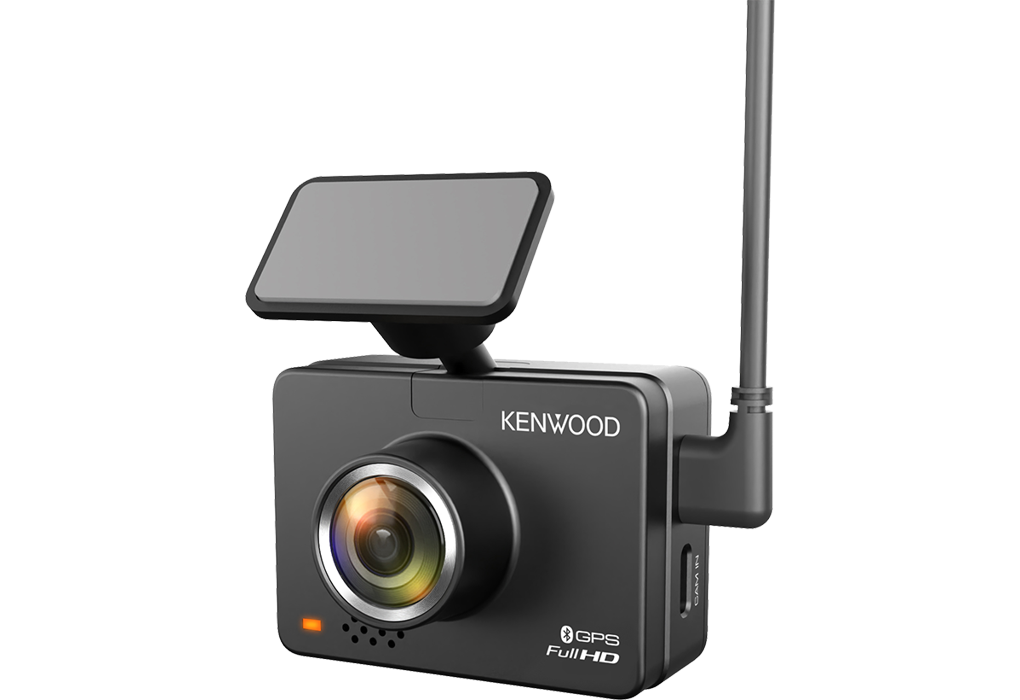
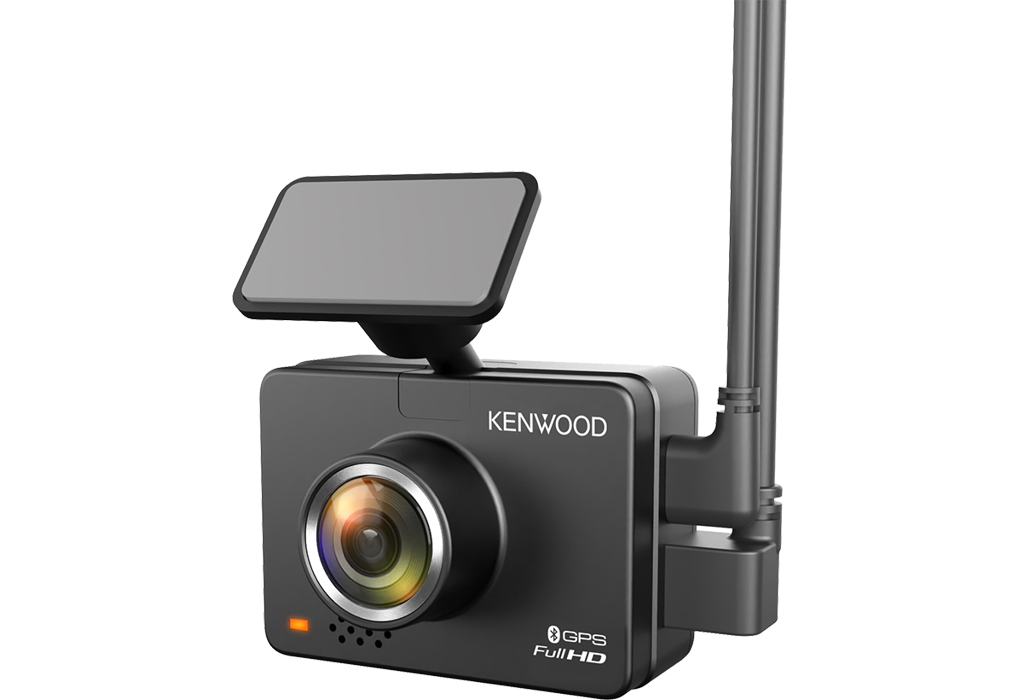
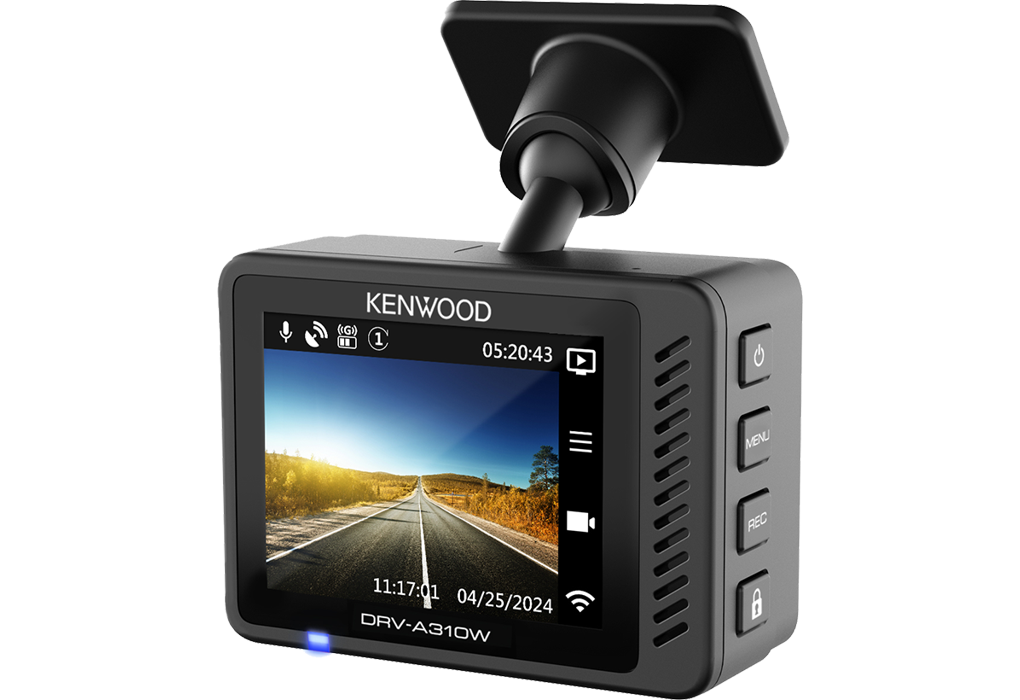
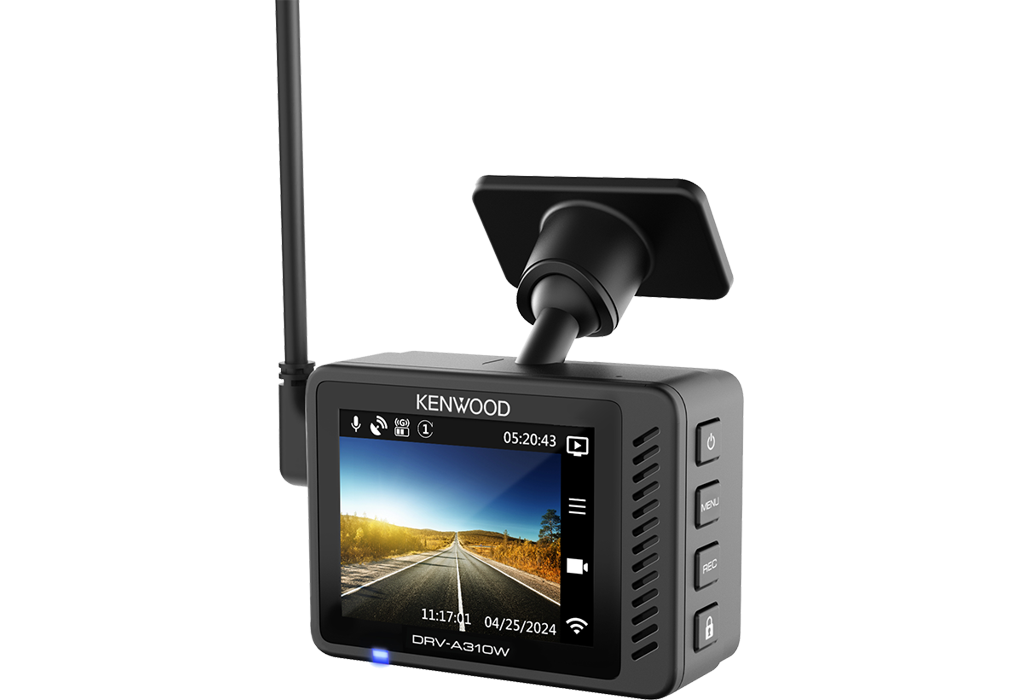
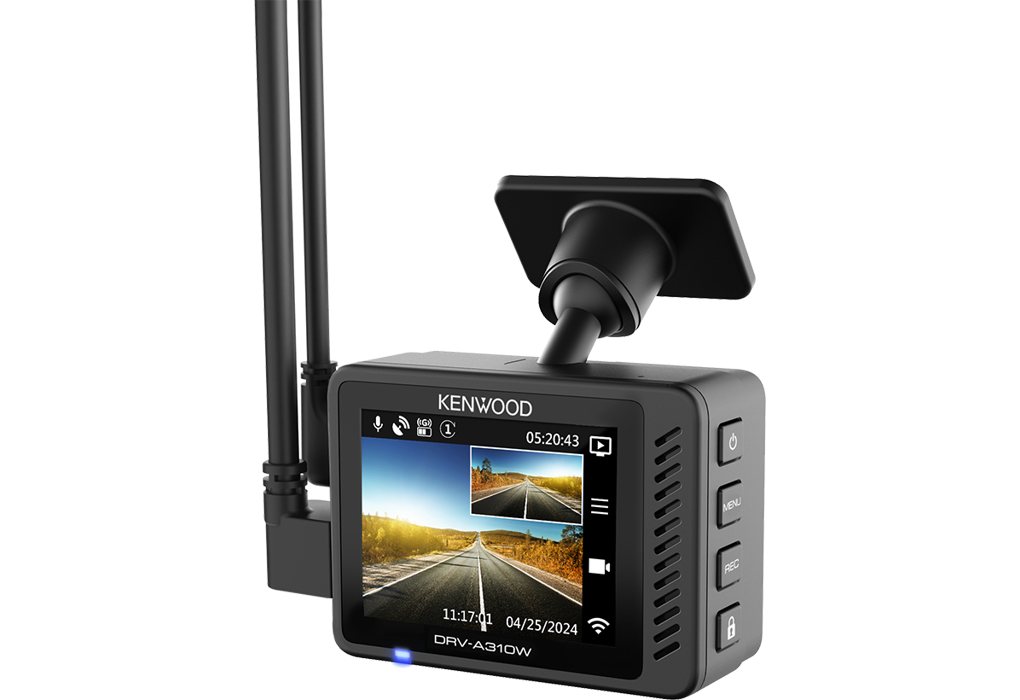
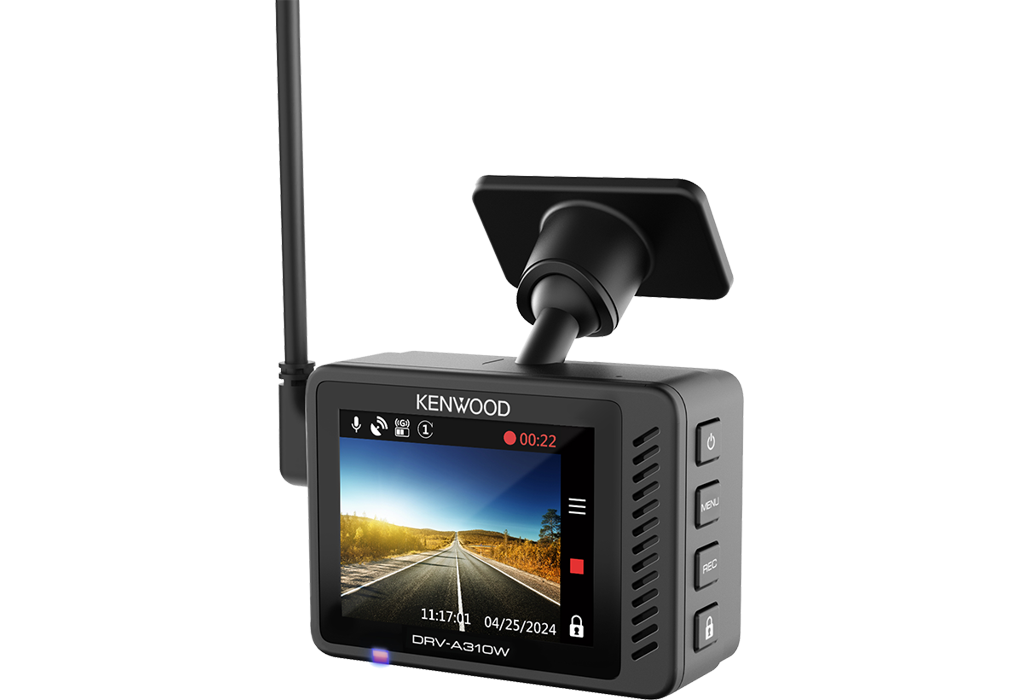
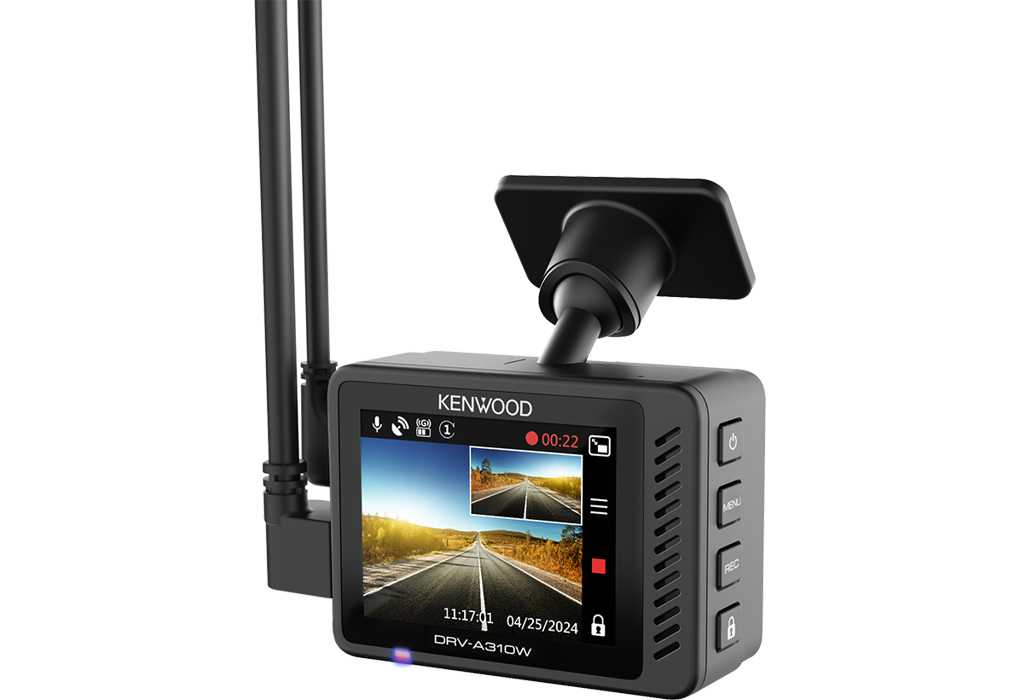

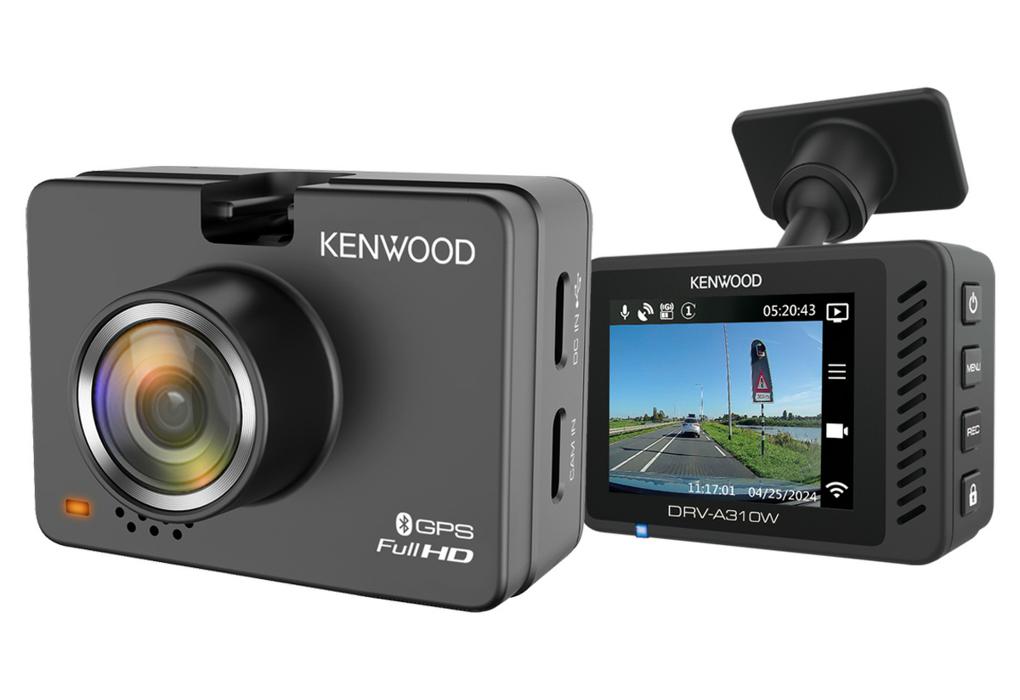
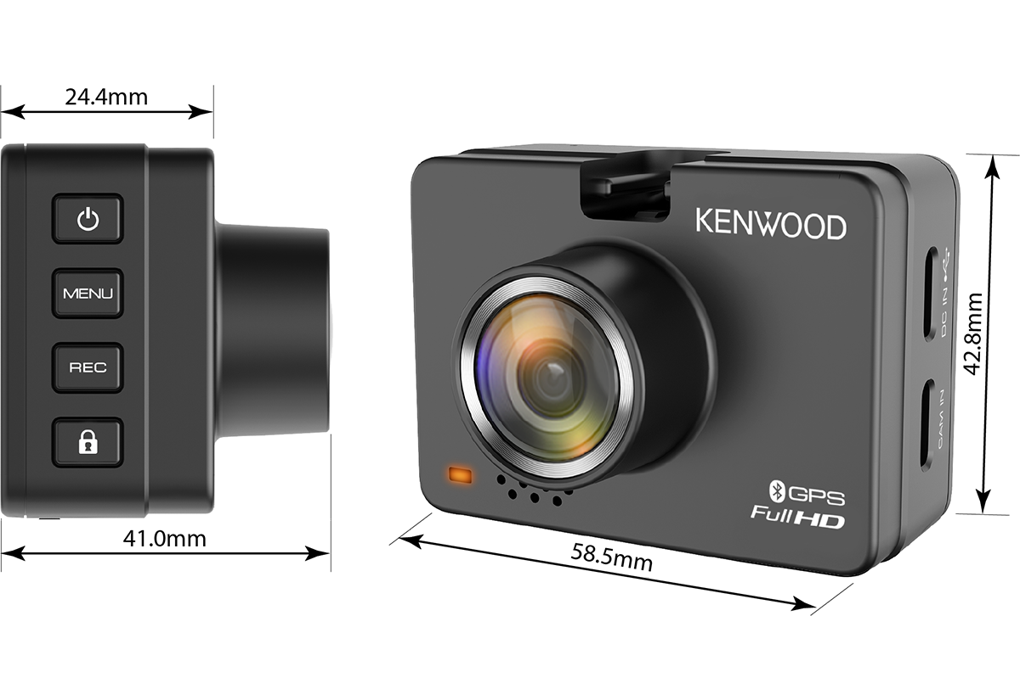
The dashboard camera work with both 12V and 24V by using the supplied USB Car Charger or when using the optional Hardwire kit CA-DR1130.


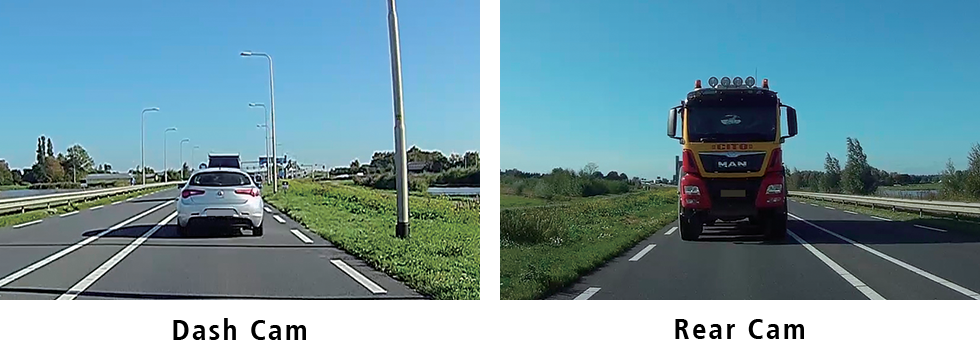
By connecting the optional KCA-R110 rear camera to the DRV-A510W or DRV-A310W DashCam, it is possible to record front and rear directions simultaneously. The rear dash cam includes a 8.0 meter cable that connects to the front dash cam, allowing it to easily be mounted to the rear windshield. As this rear camera has IPX67 reatings it can also be installed at the outside of the vehicle where you would like to record.
Having an large 2.0” full color LCD display, that offers a crisp and sharp picture, makes it very convenient to set menu operations, monitor real-time recording, and playback the footage immediately. Thanks to the intuitive GUI including large and legible text, operations can be performed with ease.

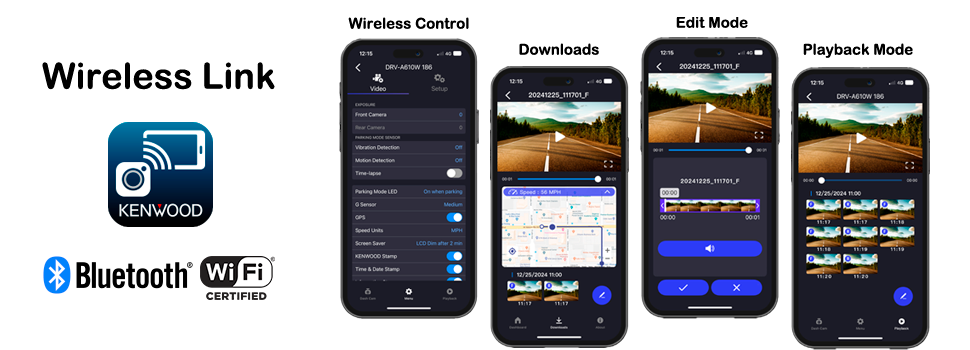
The KENWOOD DASH CAM MANAGER app allows you to easily change the menu settings of your dash cam and browse through recorded videos as well as realtime live view from your smartphone in an intuitive way. By downloading the video / photo files into your smartphone, you can even review them while routing on Google Maps with the GPS information such as speed, G-sensor and distance, and edit the videos to share them on social media.
Download the KENWOOD DASH CAM MANAGER app from App Store (iOS) or Google Play (Android) on your smartphone.
|
Please check out the following 2 video tutorials:
|
|||
 |
 |
 |
|
 |
|
||
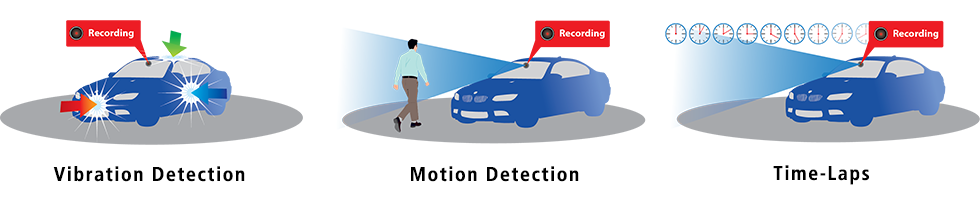
This DashCam features parking mode or parking mode when the hard-wire kit CA-DR1130* (sold separately) is connected. When your vehicle is parked and switched off, Smart Parking Mode becomes active with one of three modes: vibration detection or motion detection or Time-lapse:
Vibration Detection: The dashcam automatically creates 30-second videos when the camera detects a vibration and for as long as vibration is detected.
Motion detection: the dashcam automatically shoots 30-second videos when it detects movement in the camera's field of view (dashboard or rear camera, if connected) for as long as movement is detected.
Time-lapse: he dashcam makes uninterrupted time-lapse videos.
The dashcam will keep doing this until the next time the car is started or until the minimum voltage threshold of the battery is reached or if the parking mode is active for more than 24 hours. The camera will store all these recordings in a separate folder on the memory card to keep them safe.
* The hardwire kit CA-DR1130 (sold separately) is required to provide permanent power to the camera.
The G-senor measures forces of acceleration that act upon the vehicle. These includes forces due to sudden changes in direction, braking, or impact, such as during a collision. When the G-Sensor detects a significant force, it triggers the dash cam to save the current video file in dedicated folder and can't be overwritten when the storage is full. This critical footage is then preserved for future review or as potential evidence.
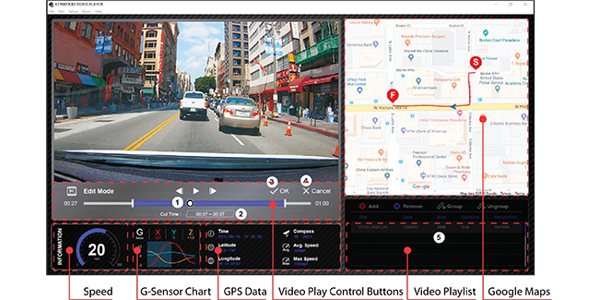
The DashCam is also equipped with a GPS receiver so that speed, latitude and longitude are stored with your video's. The speed, coordinates and G-force data will be displayed at the bottom of each video.

SD Card Recorded File Capacity:
•32GB Micro SD = 290 mins of recording
•64GB Micro SD = 580 mins of recording
•128GB Micro SD = 1160 mins of recording
•256GB Micro SD = 2360 mins of recording
* Based on default front recording settings.
* Recommended Speed Class: Class10 / UHS Speed Class 1 (U1) / UHS Speed Class 3 (U3) or higher.

KENWOOD VIDEO PLAYER desktop software is available for displaying video recorded with the device. You can also play back, edit and share the videos on your PC. Download and install the software according to the on-screen instructions.
PC Requirements: OS: Microsoft Windows 10, 8.1, 7* / *Windows 7 Service Pack 1 & Microsoft Visual C++must be installed. / OS: Apple Mac OS X 10.11 (El Capitan) or later.
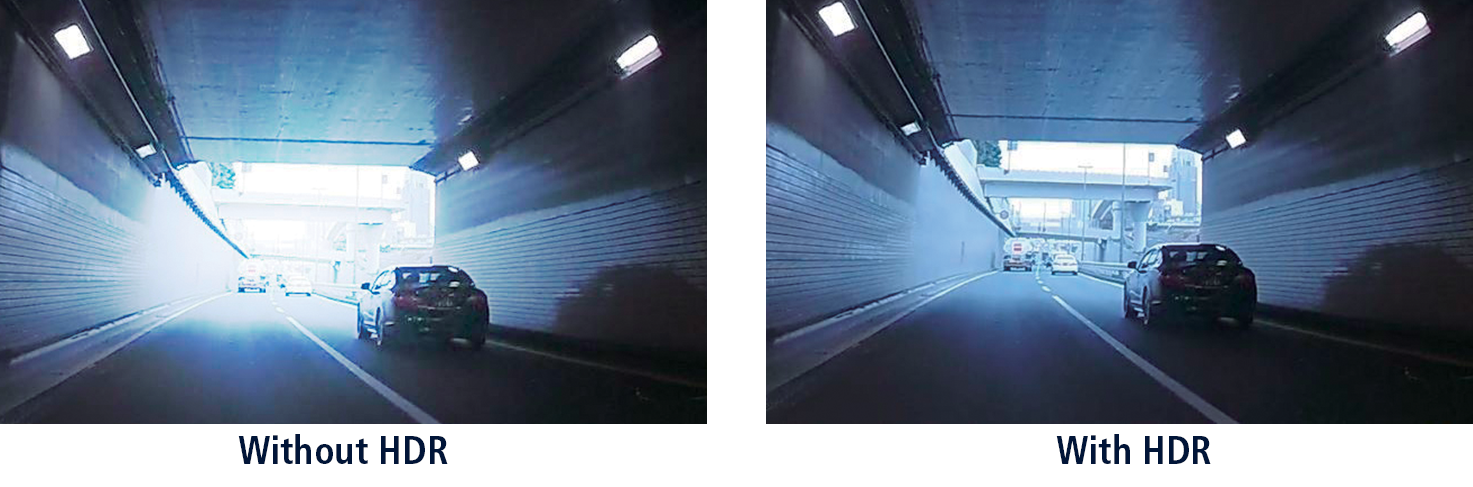
HDR (High Dynamic Range) & WDR (Wide Dynamic Range) for Backlighting, helps to reduce “blown out highlights” and “crushed blacks” and ensure clear images in challenging environments, including backlit scenes in daylight, streetlight scenes at night and places where light-dark contrast is particularly severe, such as at tunnel entrances/exits.